4.7.3. Target Users
In the most basic setup, the target user simply matches the username used for login on the target system, resulting in a direct and uncomplicated mapping. In more advanced scenarios, however, it can be necessary to handle the target user in a more flexible way. For example, it may be derived dynamically from the gateway login user or determined based on configurable mapping rules.
Depending on the environment and requirements, these flexible mappings can become quite complex, especially when multiple systems, user conventions, or context-dependent rules need to be considered.
4.7.3.1. Login Users
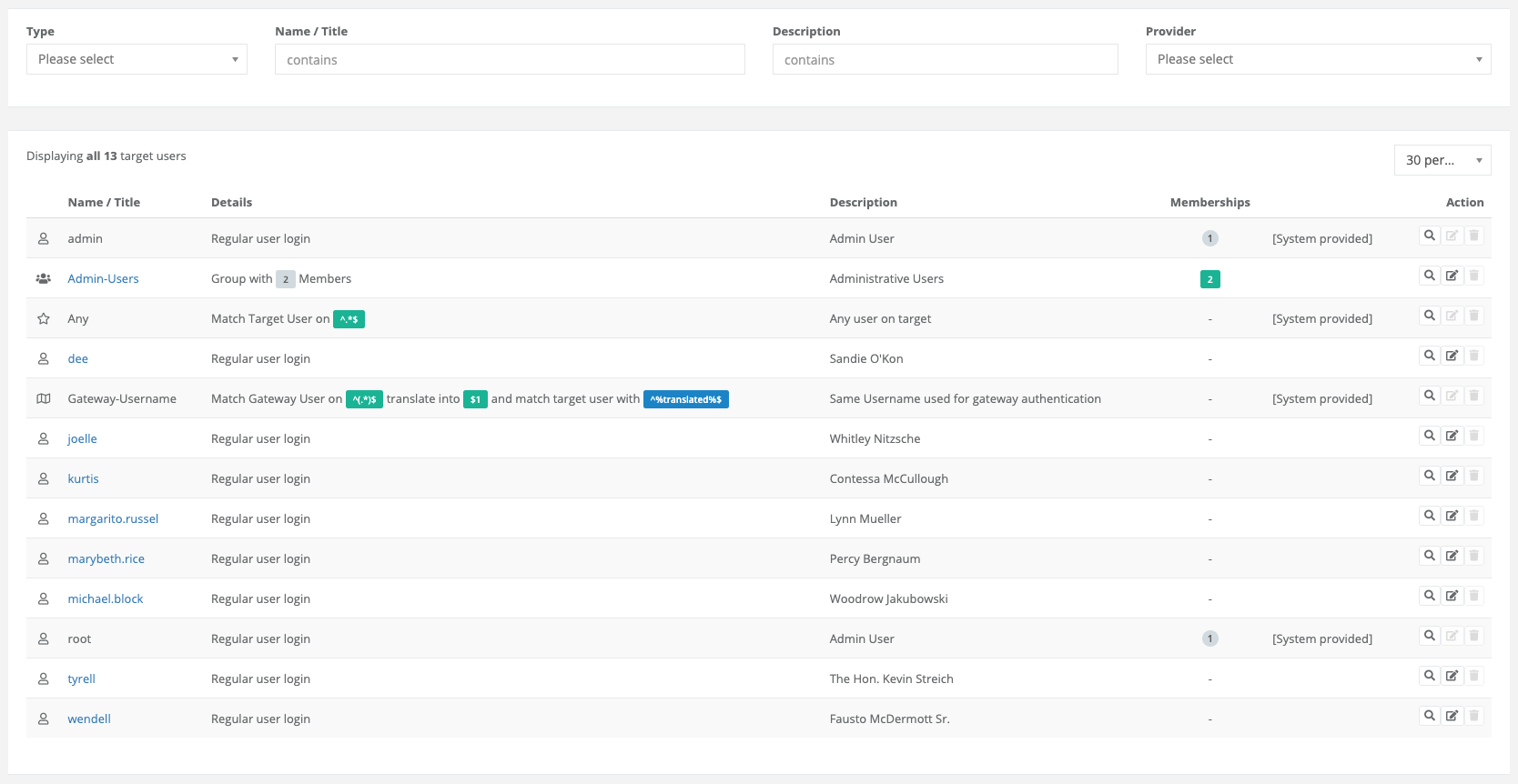
The login user object type represents a straightforward user definition that is used identically on the target system. It assumes a direct correspondence between the configured user and an existing account on the remote system, without requiring any transformation or mapping logic.
This approach is particularly well-suited for common or system-defined accounts such as root, admin, or guest, which typically exist uniformly across many environments.
By using a login user object, these standard accounts can be referenced and managed in a simple and consistent way, making configuration easier and more transparent.
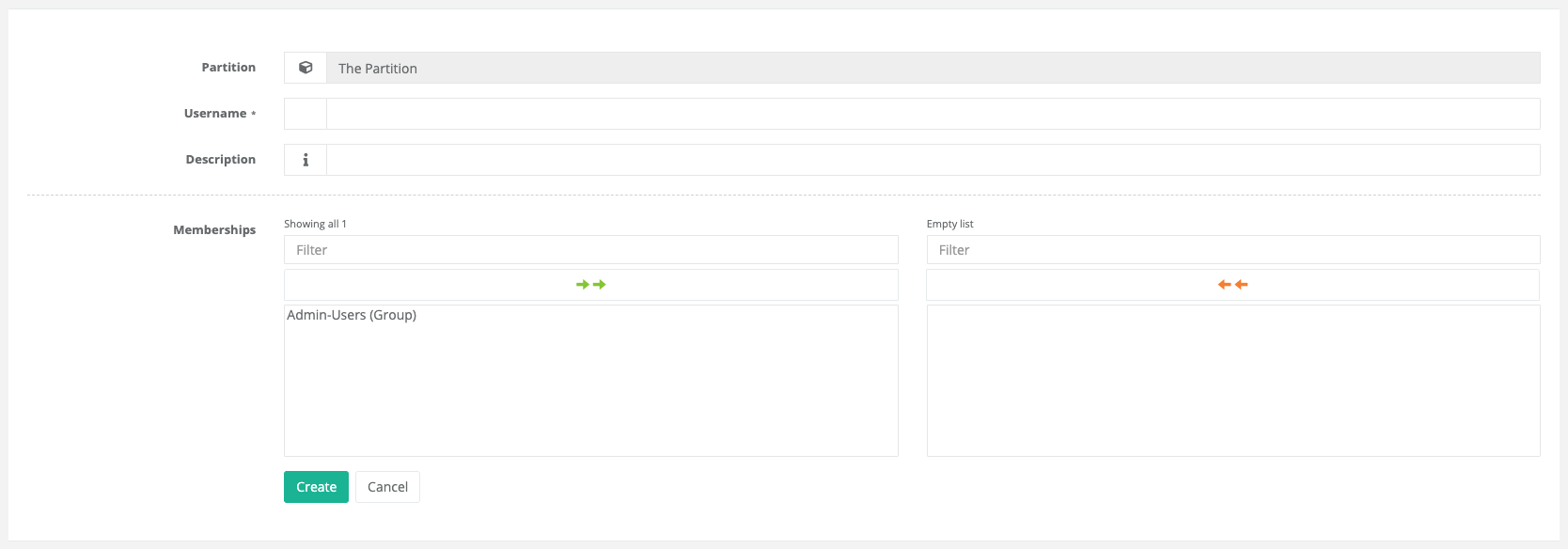
As with many other objects, a login user object can also be assigned directly to an existing group, or used to create a new group in the process.
4.7.3.2. Regex Users
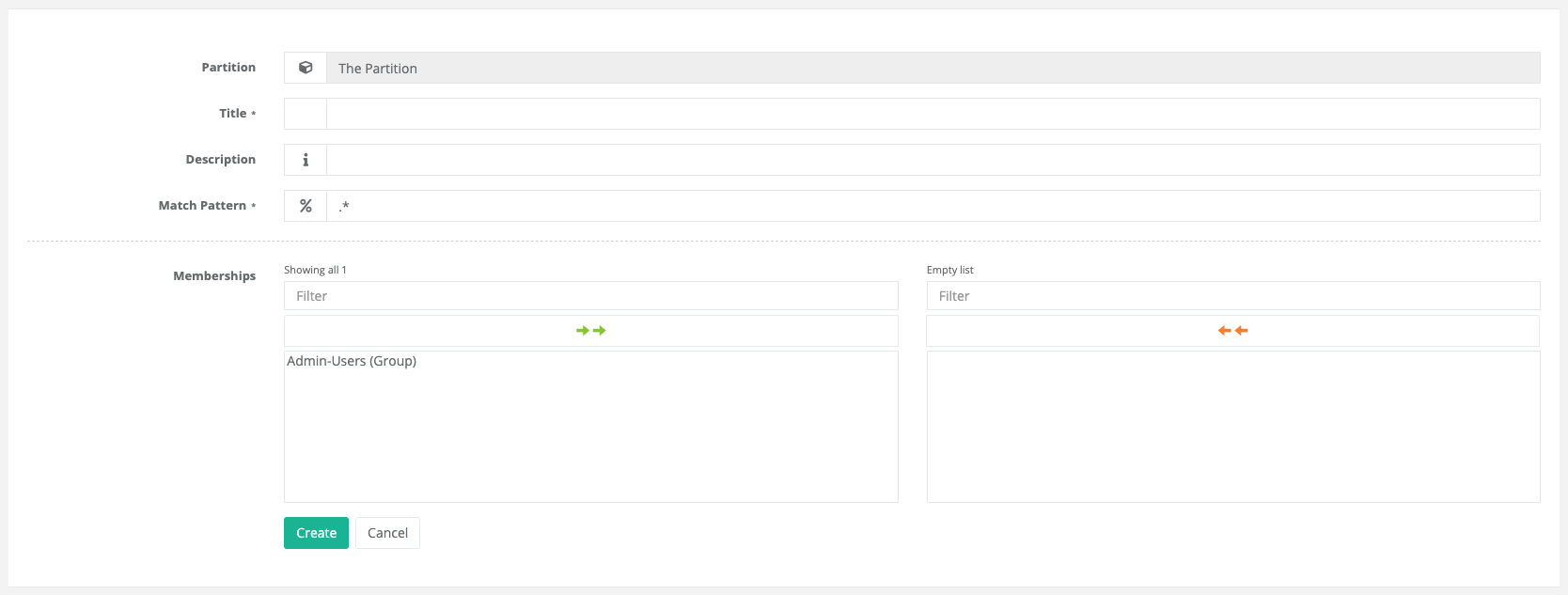
The regex user object type also represents a relatively simple user definition, but with additional flexibility compared to a fixed username. In this case, the target user is not specified as an exact value; instead, it is defined using a (Perl-compatible) regular expression (PCRE), which is used to match the corresponding account on the target system.
This allows the regex user definition to cover multiple possible usernames or naming patterns with a single rule. As a result, it can be used in environments where user accounts follow consistent naming conventions but are not identical across all systems.
4.7.3.3. Mapping Users
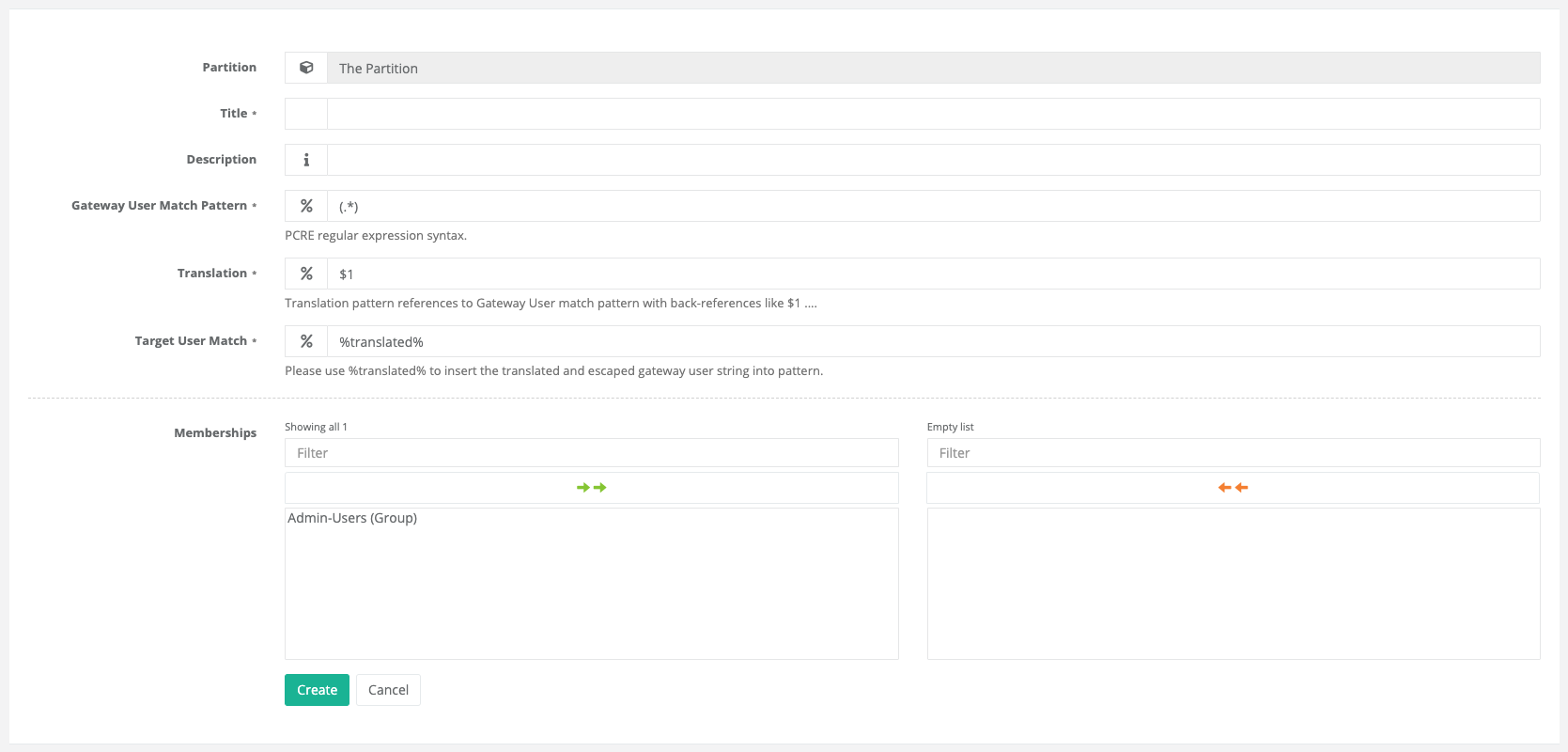
Mapping users represent the most flexible and complex user type, designed to transform a gateway username into a corresponding target user dynamically. This is achieved using regular expressions combined with back-references, allowing parts of the original username to be extracted, rearranged, or modified according to defined rules. The resulting transformed value is then applied as the target user via a second regular expression or mapping rule.
This mechanism enables highly customizable user mappings, making it possible to adapt to heterogeneous naming conventions across different systems or environments.
The fields in detail:
- Gateway User match pattern
This field is used to match the gateway username using a regular expression. Parentheses are used to group parts of the expression, allowing the enclosed pattern to be treated as a single unit. These groups capture the portion of text matched by the regex, storing it in a numbered capture group.
Captured groups can then be referenced later using numbered back-references (see next field), enabling reuse of matched values within the same expression or in subsequent transformations. This also allows regex operators to be applied to the entire grouped subexpression, providing greater flexibility when constructing complex matching rules.
- Translation
This field acts as a kind of construction template that defines how the final value is assembled from the previously captured groups. Using
$1..$99, the individual capture groups from the regular expression can be referenced according to their numeric order.Each placeholder is replaced with the corresponding matched content, allowing the extracted parts of the gateway username to be recombined, rearranged, or transformed into the desired target format.
- Target User Match
This field operates in two stages.
In the first step, the
%translated%placeholder within the field is replaced by the value produced from the previous two fields. The resulting string is inserted as a literal value, meaning that all characters with special meaning in regular expressions are properly escaped to ensure they are treated as plain text.In the second step, the target username is evaluated by matching it against the regular expression defined in this field, using the processed and safely escaped value from the first step as the basis for the comparison.
4.7.3.4. User Groups
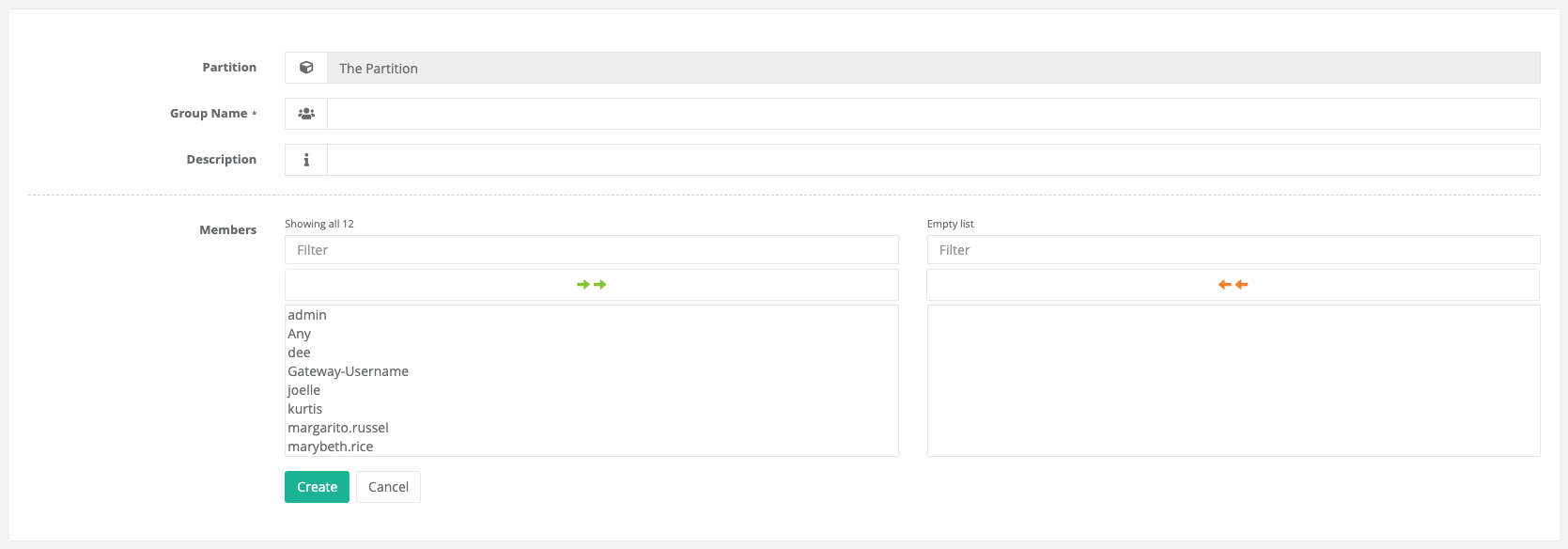
This object can be used to define groups based on the previously mentioned target user types. Different target user types can be combined freely within a single group definition, allowing for flexible and granular organization of access rules.
Note
Chaining groups — meaning the nesting of groups within other groups — is not supported.